Choose applicable parts
Enter your identity and select Section 179, nonlisted depreciation, listed property or amortization.

Preview free. Use HALLOWEEN50 at checkout and save 50%.
Forms purchased on this site only. Excludes pay stubs and the separate Offer Letter tool. Ends Oct 31, 2026 at 11:59 pm Eastern.
Organize your actual asset deductions, apply the Section 179 form limits and review all three original IRS pages.
Complete PDF · Preview free
Pay when ready to download
Final 2025 IRS original. The final 2026 edition will be added when available.
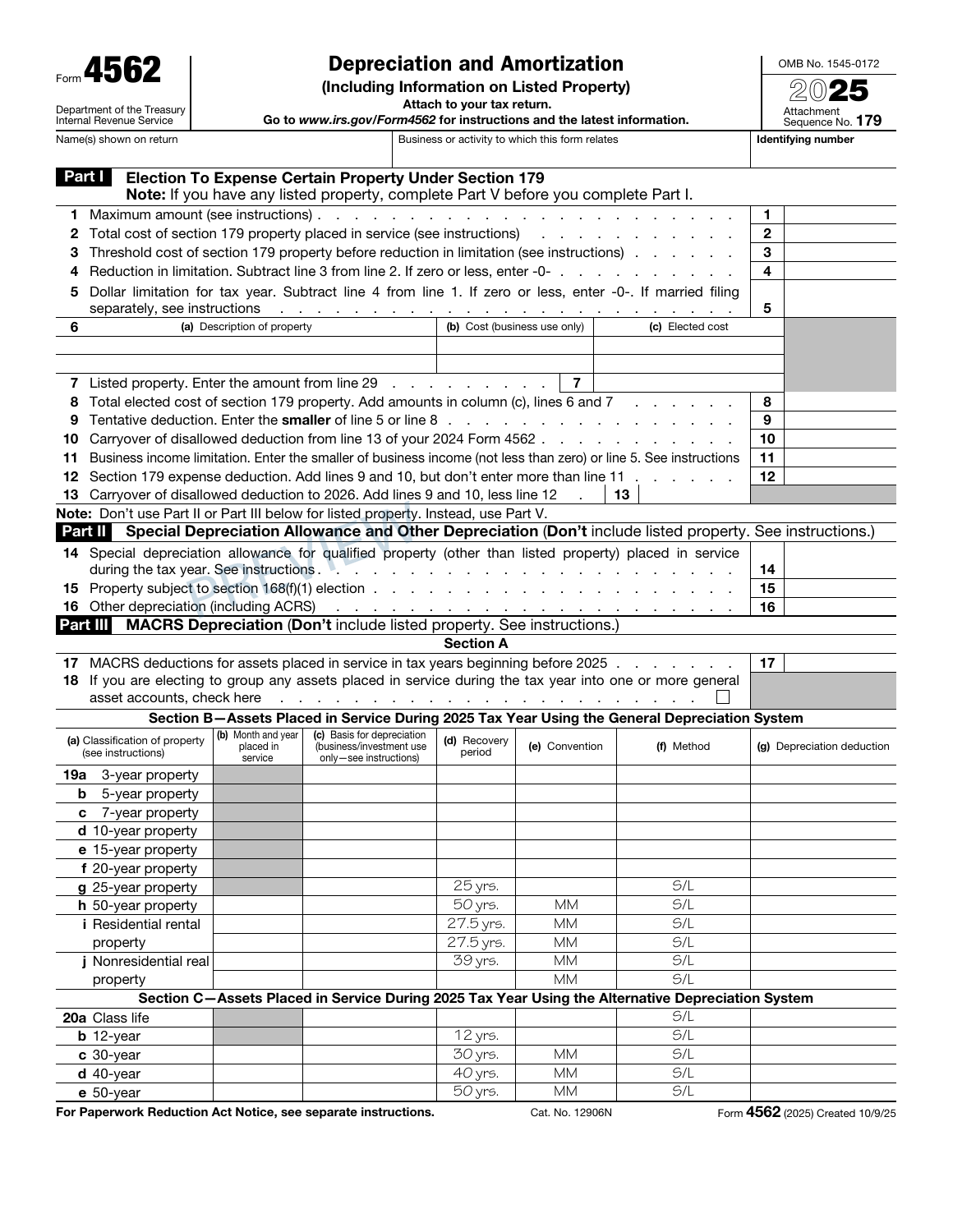
Enter your identity and select Section 179, nonlisted depreciation, listed property or amortization.
Use actual asset worksheets, dates, basis, recovery methods, vehicle-use records and allowed deductions.
Check calculated limits and totals, then review every original page before checkout.
The three original pages, field layout and white margins stay intact.
Use the Form 4562 preparation guide to review asset records, placed-in-service dates and depreciation elections before preparing the form.
Use actual allowed deductions from asset-specific worksheets. This builder does not determine every MACRS rate, bonus election, passenger-auto / SUV limit, aircraft use test, recapture or amortization eligibility. Required separate worksheets, elections, returns and attachments must be prepared separately.
No. Enter actual allowed asset-specific amounts from the applicable worksheets. The builder calculates the form totals and Section 179 limits. Review the current IRS instructions ↗.
Prepare the taxpayer-level Section 179 Summary first, then separate activity forms using actual allocated Line 12 amounts. The Summary mode completes only Part I; all three original pages remain included.
Complete records for applicable vehicles. A Section C employee exception clears Section B only for the specifically covered employee vehicles. Owner and related-person vehicles remain separately reported.
The original form has no separate signature line. Attach it to the appropriate separately prepared return with required supporting documents.
No. IRS filing and tax payments are not included. $9.99 USD covers one three-page Form 4562 and private completed-order access.
One Form 4562. $9.99 USD.